


A SaaS company can spend months building a strong sales pipeline, only to lose visibility once leads start moving through trials, demos, renewals, and expansion opportunities.
A CRM for SaaS companies helps manage every customer interaction, while a cloud-based CRM keeps teams connected with real-time data.
91% of companies with 10 or more employees now use a CRM, yet between 20% and 70% of CRM projects fail, with poor user adoption as the leading cause.
Whether you’re an early-stage startup looking for a simple sales solution or a growing SaaS brand that needs advanced automation and reporting, choosing the right CRM can directly impact your team’s productivity and revenue growth.
In this guide, we’ll review the best CRM software for SaaS companies, compare their features, pricing, pros and cons, and help you find the best fit for your business.
Why Do SaaS Companies Need CRM Platforms?
As a SaaS business grows, managing leads, customer interactions, subscriptions, and renewals manually becomes increasingly challenging. A CRM platform helps centralize customer data, automate workflows, and improve visibility across the entire customer lifecycle.
Key benefits of using a CRM for SaaS companies include:
- Better lead and pipeline management
- Improved customer retention and reduced churn
- Tracking of subscriptions, renewals, and recurring revenue
- Automation of repetitive sales and customer success tasks
- Stronger collaboration between sales, marketing, and customer success teams
- Access to reporting and analytics for data-driven decision-making
- Improved customer experience through personalized engagement
- Scalability to support business growth and expanding teams
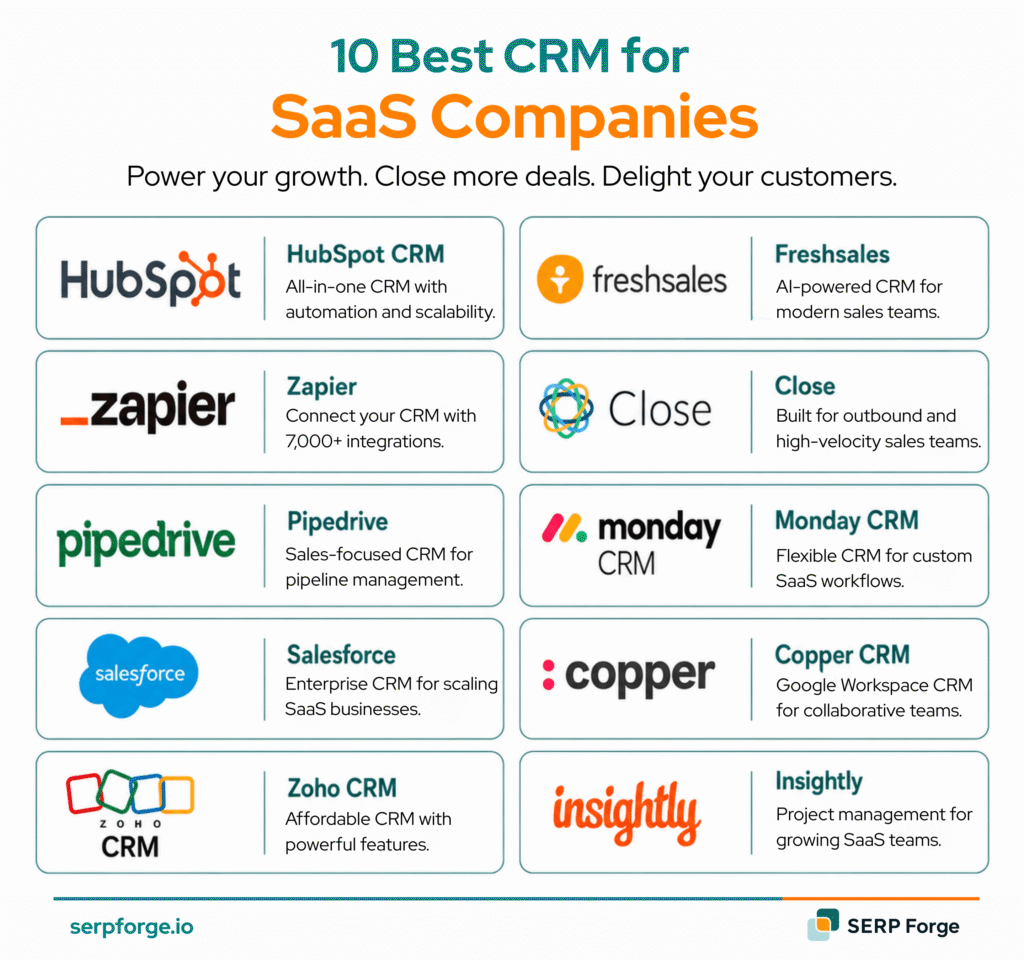
What features should you look for in a CRM?
Not all CRM platforms are built for SaaS businesses. The right CRM should help you manage recurring revenue, automate customer journeys, and improve retention. Here are the key features to prioritize:
1. Subscription and Billing Integrations
Choose a CRM that integrates with billing platforms like Stripe, Chargebee, or Paddle. This helps you track MRR, ARR, subscription changes, renewals, and churn from a single dashboard.
2. Customer Health Tracking
Customer health scores combine product usage, engagement, and support data to identify accounts that may be at risk of churning. This allows teams to take proactive action before customers leave.
3. Multiple Sales Pipelines
SaaS businesses often manage different revenue streams, including new sales, upsells, and renewals. A CRM with multiple pipeline support provides better visibility into each stage of the customer lifecycle.
4. Workflow Automation
Automation helps reduce manual work by handling tasks such as lead assignments, onboarding sequences, follow-ups, renewal reminders, and customer success alerts.
5. Third-Party Integrations
Your CRM should connect seamlessly with tools such as product analytics platforms, email marketing software, customer support systems, and data warehouses to keep information synchronized across teams.
6. SaaS-Focused Reporting and Analytics
Look for reporting features that track metrics like trial-to-paid conversion rates, customer retention, expansion revenue, churn, and recurring revenue growth. These insights help teams make more informed business decisions.
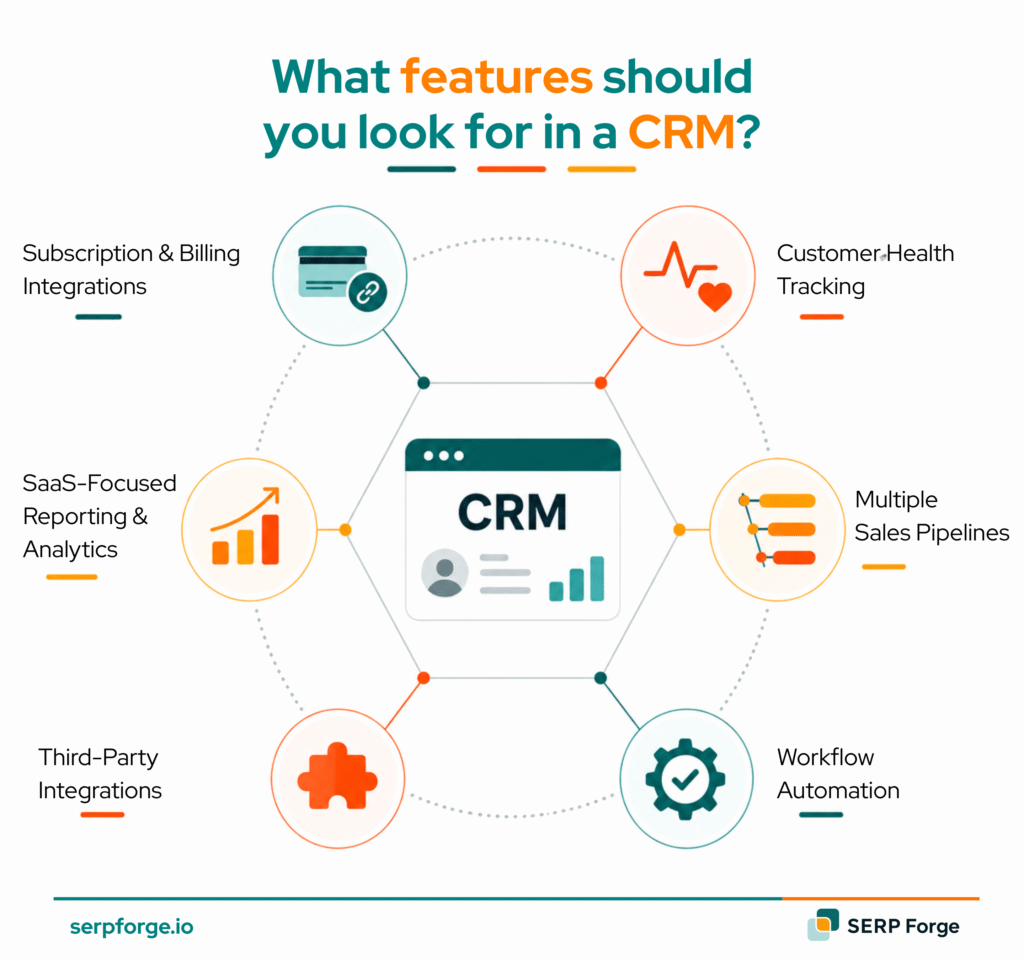
Top 10 CRMs for SaaS Companies Compared
Choosing the right CRM can directly impact your SaaS growth, retention, and revenue operations:
1. HubSpot CRM
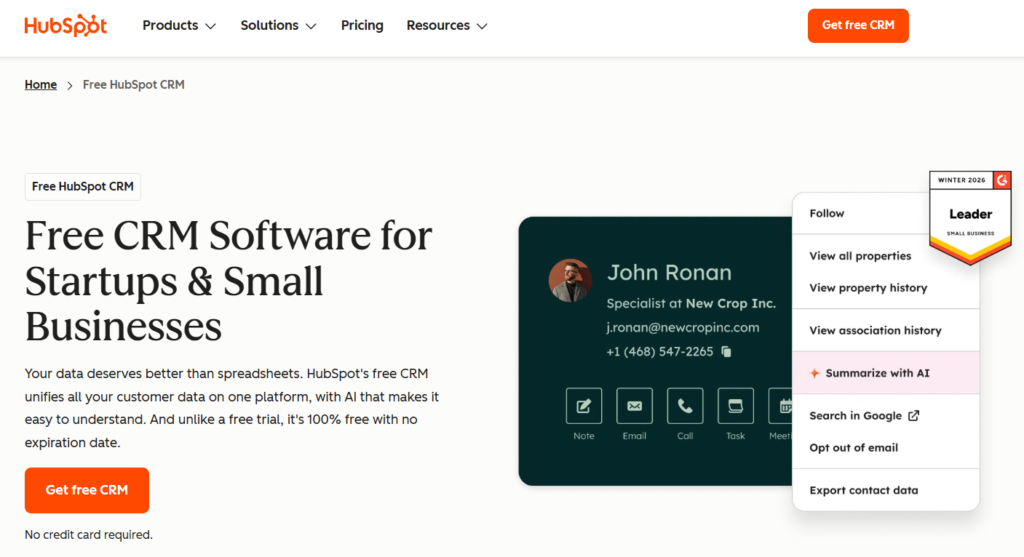
HubSpot is a general CRM that can be configured for SaaS, not a SaaS-native tool. But it does more things well than any other platform in the category and its user experience is genuinely excellent.
The interface is clean, guided onboarding reduces the learning curve significantly, and most reps can get productive in a day or two without dedicated training.
SaaS-specific strengths:
- Best-in-class UI and onboarding experience
- Native Stripe integration for subscription tracking
- Multi-pipeline support from the Professional tier
- Strong marketing → sales handoff through the same platform
- Workflow automation covers most SaaS lifecycle triggers
SaaS-specific weaknesses:
- MRR, churn rate, and expansion revenue require custom properties, not native SaaS fields
- Enterprise plans ($150/user/month) are expensive for what you get at that tier
- Reporting depth is limited compared to Salesforce without expensive add-ons
Pricing: HubSpot provides a free CRM, with paid plans ranging from $15 to $150 per user per month, depending on the features and level of functionality required.
Best for: Seed to Series A SaaS companies, teams that want marketing and sales in one platform, and businesses prioritizing fast onboarding over deep customization.
2. Attio
Attio stands out as a modern CRM built for flexible SaaS workflows. Unlike traditional CRMs with rigid structures, it allows teams to customise data models, track SaaS metrics like MRR natively, and build pipelines that match their exact sales process.
It offers a balance between the simplicity of HubSpot and the complexity of Salesforce.
SaaS-specific strengths:
- Custom data modelling; track subscriptions, product usage, and revenue metrics as first-class objects
- GraphQL API; the most developer-friendly API in the CRM category, ideal for custom SaaS integrations
- Flexible pipeline architecture handles PLG and sales-led motions simultaneously
- Modern, fast interface that sales teams actually want to use
- Attio Scale adds advanced workflows at $69/user/month, better value than HubSpot Pro at $100
SaaS-specific weaknesses:
- No native marketing automation; you’ll need a separate tool for lifecycle email
- Smaller integration ecosystem than HubSpot or Salesforce
- Less mature reporting compared to Salesforce
Pricing: Attio offers a free plan for up to three users, while paid plans start at $34 per user per month for Plus, $59 per user per month for Pro, and $69 per user per month for Scale.
Best for: Seed-to-Series B SaaS companies, technical founders, teams with non-standard sales processes, and businesses combining product-led growth (PLG) with sales-led motions.
3. Pipedrive
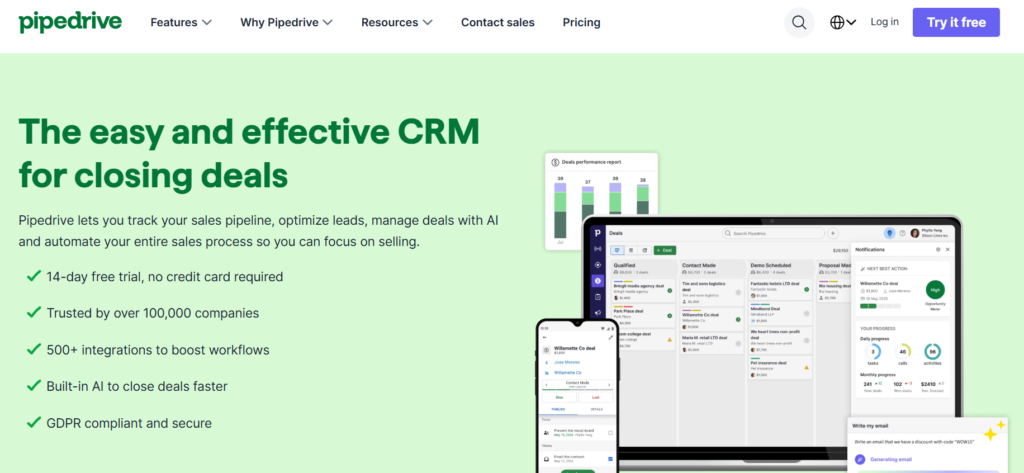
Pipedrive is built around simple and visual sales pipeline management, making it especially useful for early-stage SaaS teams and founder-led sales.
Its Kanban-style interface, activity-focused workflow, and quick setup help sales teams stay organised without the complexity of all-in-one CRM platforms.
SaaS-specific strengths:
- Fastest setup of any CRM in the category, live in hours
- Visual drag-and-drop pipeline is the most intuitive in the market
- Excellent activity-based selling focused on next actions, not just deal stages
- Affordable and predictable pricing ($14–$99/user/month)
- Strong Zapier and API integrations for connecting to SaaS tools
SaaS-specific weaknesses:
- No native MRR tracking, subscription management, or revenue analytics
- No marketing automation; you’ll always need a separate email tool
- Teams typically outgrow Pipedrive within 12–18 months as GTM complexity increases
- No native customer success functionality
Pricing: Pipedrive plans start at $14 per user per month for Essential, $34 per user per month for Advanced, $49 per user per month for Professional, $64 per user per month for Power, and $99 per user per month for Enterprise.
Best for: Early-stage SaaS companies, sales-focused teams, businesses with less than $1 million in ARR that lack dedicated RevOps resources, and organizations seeking simple pipeline management.
4. Salesforce
Salesforce is one of the most powerful CRM platforms for enterprise SaaS companies, supporting complex sales operations like multi-region management, advanced workflows, and CPQ.
However, while its entry pricing appears affordable, most growing SaaS teams eventually need higher-tier plans for automation, forecasting, and reporting — making alternatives like HubSpot or Attio more practical for many businesses with lower admin overhead.
SaaS-specific strengths:
- Revenue Cloud tracks SaaS subscriptions natively
- The streaming API enables real-time event processing for usage-based triggers
- Unmatched depth for complex sales operations
- AppExchange has purpose-built SaaS revenue management tools (Zuora, Maxio)
- Best-in-class reporting and analytics at enterprise scale
SaaS-specific weaknesses:
- Implementation cost is high; most teams need a Salesforce admin or consulting partner
- UI hasn’t kept pace with modern competitors; reps often resist adoption
- Total cost of ownership is the highest in the category
- Overkill and cost-prohibitive for sub-$5M ARR SaaS companies
Pricing: Salesforce offers plans starting at $25 per user per month for the Starter Suite, $100 per user per month for the Pro Suite, $165 per user per month for the Enterprise plan, and $330 per user per month for the Unlimited plan.
Best for: Series B and later-stage SaaS companies, businesses with enterprise sales motions, large sales teams supported by dedicated RevOps resources, and organizations managing complex multi-product sales pipelines.
5. Zoho CRM
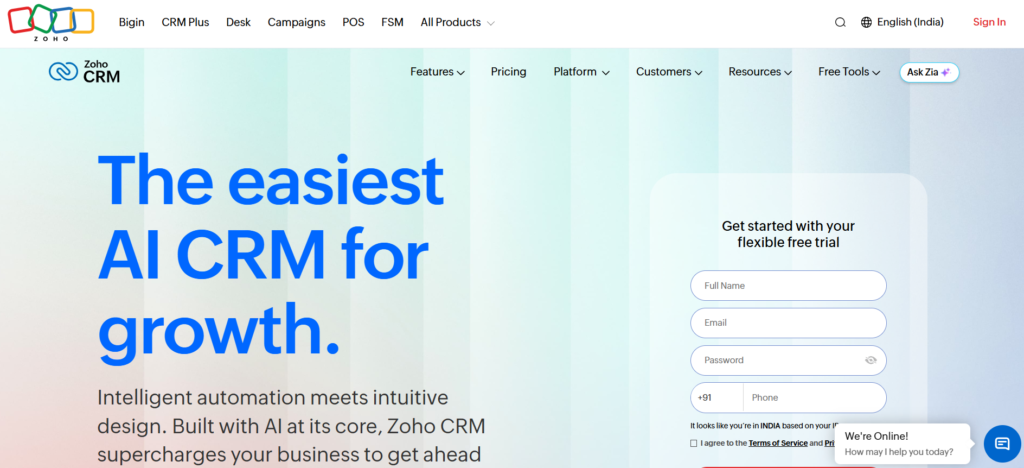
Zoho CRM offers strong functionality for SaaS startups that need advanced features without enterprise-level pricing. Its extensive customisation options and integration with tools like Zoho Books, Zoho Desk, and Zoho Campaigns help create a unified system for sales, marketing, finance, and support operations.
SaaS-specific strengths:
- Most features per dollar of any CRM in this comparison
- AI assistant (Zia) provides predictive lead scoring and sales forecasting
- Multiple pipeline support across all paid tiers
- Deep customisation for non-standard SaaS sales motions
- Strong API for custom integrations
SaaS-specific weaknesses:
- UI is less polished than HubSpot or Attio; steeper learning curve
- The Zoho ecosystem is extensive, but quality varies across products
- Support response times lag behind premium competitors
Pricing: Zoho CRM offers a free plan for up to three users, with paid plans starting at $14 per user per month and going up to $52 per user per month.
Best for: Budget-conscious SaaS startups, teams seeking advanced features at an affordable price, and businesses already using the Zoho ecosystem.
6. Freshsales
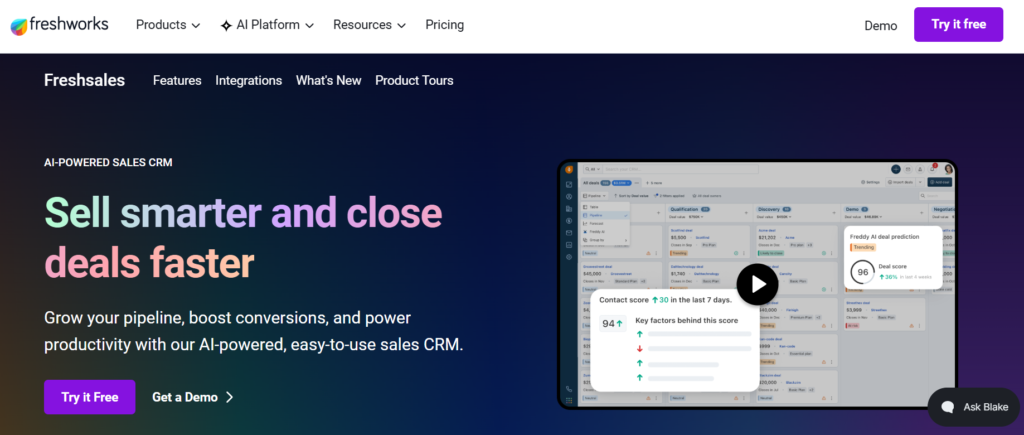
Freshworks Freshsales combines CRM with built-in phone, email, chat, and SMS tools, allowing SaaS sales teams to manage conversations from a single platform. Its AI assistant, Freddy AI, helps with lead scoring, deal insights, forecasting, and managing multiple sales pipelines for different SaaS sales motions.
SaaS-specific strengths:
- Built-in multichannel communication (phone, email, SMS, chat)
- Multiple pipeline support across all tiers
- Freddy AI for predictive scoring and deal insights
- Generous free plan (3 users) for early-stage teams
- Good Freshdesk integration for CS and support alignment
SaaS-specific weaknesses:
- MRR/ARR tracking requires custom configuration
- Less customisable than Attio or Zoho for non-standard SaaS data models
- Freshworks ecosystem lock-in risk if you scale
Pricing: Freshsales offers a free plan for up to three users, with paid plans starting at $9 per user per month and reaching $59 per user per month for advanced features.
Best for: Early- to growth-stage SaaS companies, teams managing multiple sales processes, and businesses looking for built-in phone and email capabilities without additional tools.
7. Close
Close is designed for SaaS teams focused on fast-paced outbound sales, with built-in calling, email sequences, automatic call logging, and predictive dialing. Its streamlined interface helps sales reps stay focused on follow-ups and pipeline movement rather than managing complex CRM workflows.
SaaS-specific strengths:
- Best-in-class built-in dialer and call automation
- Native email sequences and follow-up automation
- Pipeline visibility designed around sales rep workflow
- Excellent for SaaS teams selling to SMBs at high volume
- Simple, fast, zero admin overhead
SaaS-specific weaknesses:
- No native MRR or subscription tracking
- Limited reporting depth for SaaS metrics
- Not designed for PLG or product-led conversion workflows
- Needs external tools for marketing automation and CS
Pricing: Close offers plans starting at $49 per month for up to three users, with Professional and Enterprise plans priced at $99 and $139 per user per month, respectively.
Best for: High-velocity SaaS sales teams, outbound-focused organizations, and startups where rapid prospect outreach is a top priority.
8. Monday CRM
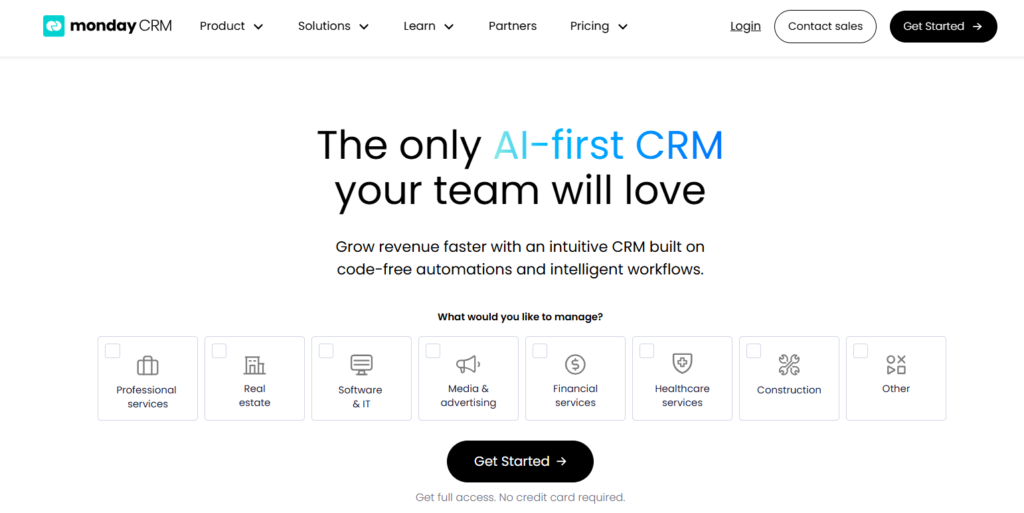
Monday CRM combines customer relationship management with workflow and project management capabilities, making it a practical choice for SaaS companies that need visibility across sales, onboarding, and customer success activities. Its customizable pipelines and automation features help teams manage complex customer journeys without relying on multiple tools.
SaaS-specific strengths:
- Highly customizable sales and customer success pipelines
- Built-in workflow automation for repetitive tasks
- Strong collaboration features for cross-functional teams
- Visual dashboards for tracking sales and customer activities
- Easy-to-use interface with minimal learning curve
SaaS-specific weaknesses:
- Limited native SaaS metrics like MRR and churn tracking
- Advanced reporting requires higher-tier plans
- Fewer native integrations than Salesforce or HubSpot
- Can become costly as team size increases
Pricing: Monday CRM plans start at $12 per user per month, with higher-tier plans available at $17 and $28 per user per month, while Enterprise pricing is available on request.
Best for: SaaS teams that want a combination of CRM, project management, and workflow automation in a single platform.
9. Copper CRM
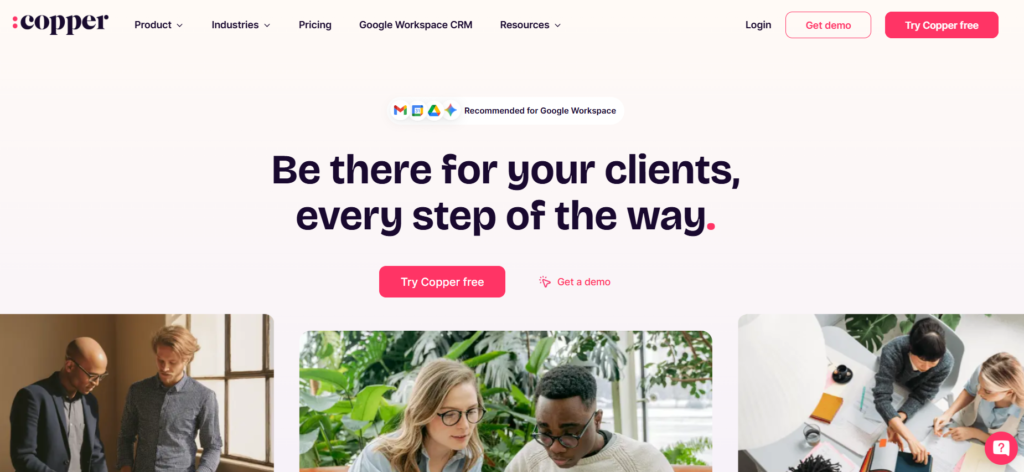
Copper CRM is designed specifically for businesses that rely heavily on Google Workspace. It integrates directly with Gmail, Google Calendar, and Google Drive, allowing SaaS teams to manage customer relationships without leaving their existing work environment.
SaaS-specific strengths:
- Deep native integration with Google Workspace
- Automatic contact and activity tracking from Gmail
- Simple setup and fast user adoption
- Workflow automation and email tracking features
- Clean and intuitive interface
SaaS-specific weaknesses:
- Limited customization compared to Salesforce and Attio
- Basic reporting capabilities for advanced SaaS metrics
- Smaller integration ecosystem than leading CRM platforms
- Not ideal for complex enterprise sales processes
Pricing: Copper CRM plans start at $12 per user per month, with higher-tier plans available at $29, $69, and $134 per user per month.
Best for: SaaS startups, small teams, and businesses that rely heavily on Google Workspace for daily operations.
10. Insightly
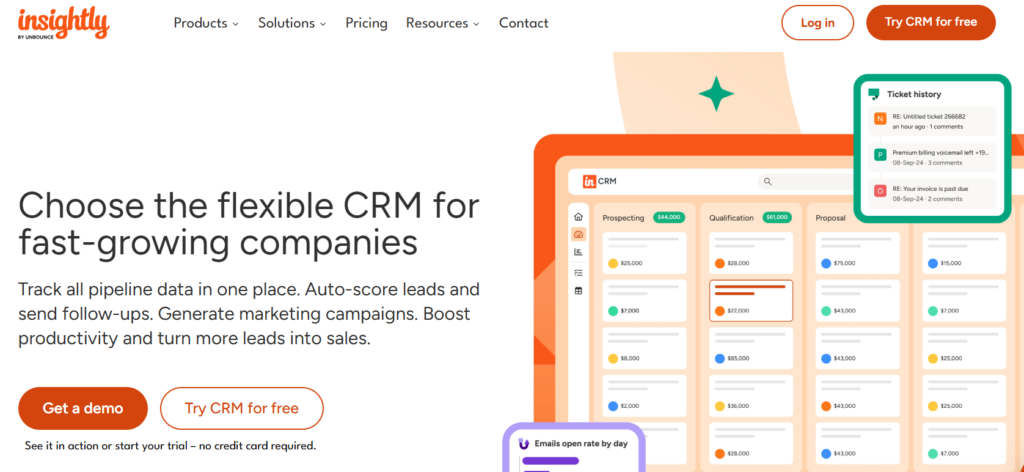
Insightly combines CRM functionality with project and relationship management features, making it useful for SaaS companies that need to manage customer onboarding, implementations, and ongoing account relationships from a single platform.
SaaS-specific strengths:
- Built-in project management capabilities
- Workflow automation for sales and onboarding processes
- Strong relationship linking between contacts, organizations, and projects
- Custom dashboards and reporting tools
- Broad integration marketplace
SaaS-specific weaknesses:
- Interface feels less modern than newer CRM platforms
- Limited native subscription and recurring revenue tracking
- Advanced automation available only on higher plans
- Requires customization for SaaS-specific reporting
Pricing: Insightly plans start at $29 per user per month, with Professional and Enterprise plans available at $49 and $99 per user per month, respectively.
Best for: SaaS companies that need both CRM and project management capabilities within a single platform.
How to Choose the Right CRM for SaaS Brands?
With so many CRM options available, selecting the right platform comes down to your business needs, budget, and growth plans.
Use the table below to evaluate CRM solutions based on the factors that matter most to SaaS companies:
| Factor | What to Consider | Best For |
|---|---|---|
| Business Stage | Determine whether you’re an early-stage startup, scaling company, or enterprise SaaS business. | Choosing a CRM that aligns with your current growth stage. |
| Budget | Consider both current costs and future pricing as your team and customer base expand. | Avoiding unexpected expenses as your business scales. |
| Sales Process | Evaluate whether your sales motion is self-serve, product-led, sales-led, or a hybrid approach. | Selecting a CRM that supports your sales workflow. |
| Automation Capabilities | Look for workflow automation, lead routing, onboarding sequences, and renewal reminders. | Improving team productivity and reducing manual work. |
| Integrations | Ensure the CRM integrates with billing, marketing, analytics, and customer support tools. | Building a connected and efficient technology stack. |
| Reporting & Analytics | Verify that the platform tracks SaaS metrics such as MRR, ARR, churn, and customer lifetime value. | Making informed, data-driven business decisions. |
| Ease of Use | Choose software your team can adopt quickly without extensive training. | Increasing user adoption and operational efficiency. |
| Scalability | Assess whether the CRM can support more users, customers, and advanced features as your business grows. | Supporting long-term business growth. |
| Customer Support | Review onboarding resources, documentation, and available support channels. | Ensuring faster issue resolution and smoother implementation. |
The best CRM for your SaaS business is the one that aligns with your current requirements while providing enough flexibility to support future growth.
The Bottom Line
A CRM is not a software purchase. It’s the operating system for your revenue motion. The wrong one creates data silos, adoption failure, and blind spots in your pipeline at exactly the moments when you need clarity most.
The right one chosen for your stage, your GTM motion, and how your team actually works compounds over time. Every customer interaction becomes data. Every data point becomes a signal. Every signal becomes a decision that moves revenue forward. The SERP Forge marketing team helps SaaS companies connect CRM data to campaigns and pipeline.
Start simple. Match the platform to your stage. Connect your billing data on day one. Build three pipelines from the start. And plan your migrations before you need them.
FAQ
1. What is the best CRM for SaaS companies?
HubSpot is the best all-round CRM for most SaaS companies. Attio works well for technical teams, Pipedrive suits early-stage startups, and Salesforce fits large enterprise SaaS businesses.
2. Does a SaaS company need a different CRM than a traditional business?
Yes. SaaS companies need CRMs that track recurring revenue, subscriptions, churn, renewals, and customer lifecycle stages.
3. When should a SaaS startup switch from Pipedrive to HubSpot?
Most startups should switch around $500K–$1M ARR when they need better automation, reporting, and multi-pipeline management.
4. How do you track MRR and churn in a CRM?
Use integrations like Stripe or Chargebee to automatically sync subscription data and track MRR, ARR, and churn metrics.
5. Is HubSpot CRM good for SaaS companies?
Yes. HubSpot is a strong choice for SaaS companies that need combined sales, marketing, and automation tools in one platform.