


Checking paid pages by country helps you understand where a website is actively investing in paid search and which landing pages drive traffic from specific regions.
This insight is useful for competitor analysis, market expansion research, and paid search planning. I often use this feature when evaluating whether a brand is testing new countries or scaling successful ad campaigns.
In this blog, I will walk you through a clear, step-by-step process to check paid pages by country in Ahrefs.
You will learn how to filter paid search data by location and interpret which pages attract traffic from different countries, so you can make more informed SEO and PPC decisions.
Steps to Check Paid Pages by Country in Ahrefs
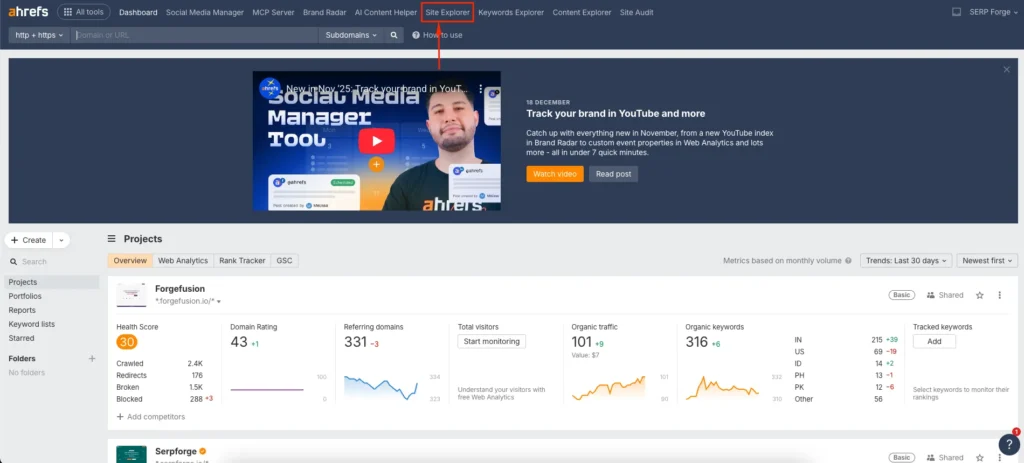
Open Site Explorer from the Top Menu
Log in to Ahrefs and click Site Explorer from the top navigation menu. Site Explorer allows you to analyze both organic and paid search data at the domain or URL level.
Enter the Domain or URL in the Search Field
Type the domain or specific URL you want to analyze into the search bar and click search. You can analyze your own site or a competitor’s website.
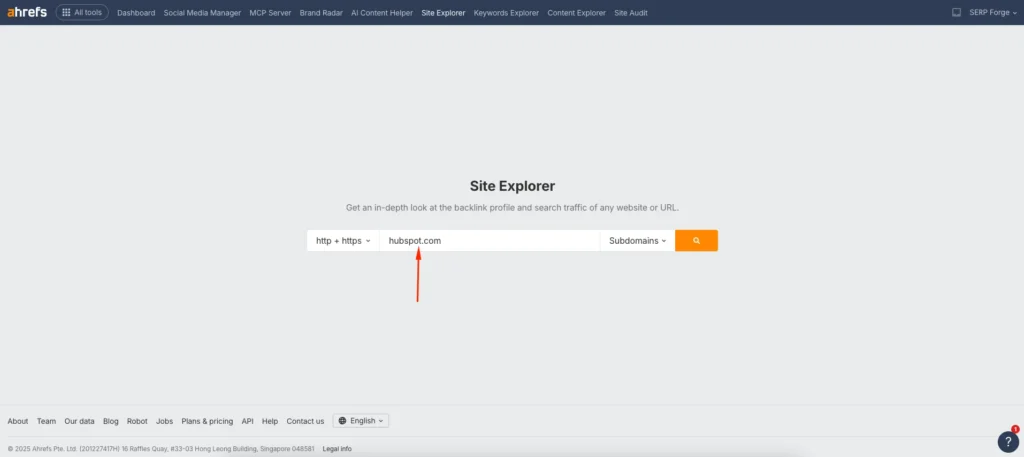
I usually start with the full domain to get a broader view before narrowing the analysis to individual landing pages.
Click Search to Analyze the Site
After entering the domain or URL, click the Search button. Ahrefs will load the overview report with paid and organic data.
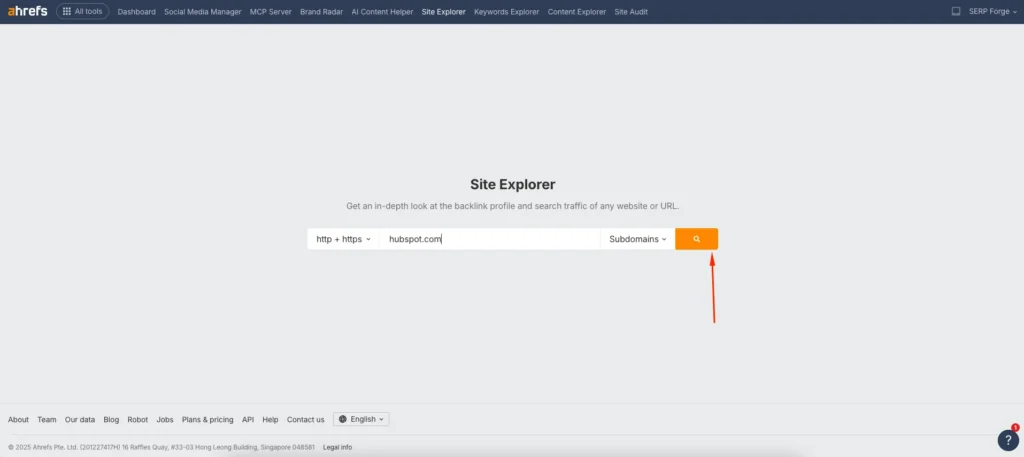
This step gives you access to all paid search insights available for the selected site.
Select Paid Pages Under the Paid Search Section
From the left sidebar, click Paid Pages under the Paid Search section. This report shows pages that receive traffic from paid keywords.
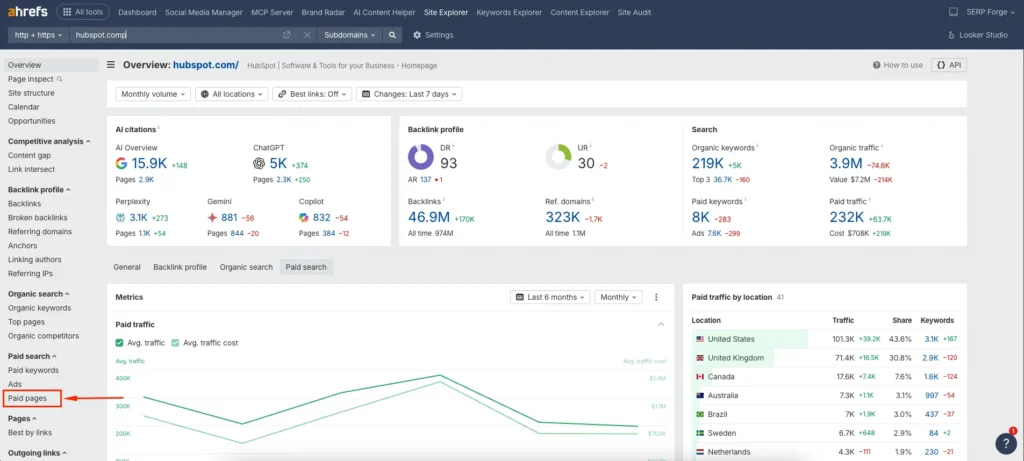
This is where you can see which landing pages are actively used in paid campaigns.
Open the All Locations Filter
At the top of the Paid Pages report, click the All locations filter. This filter allows you to segment paid search data by country.
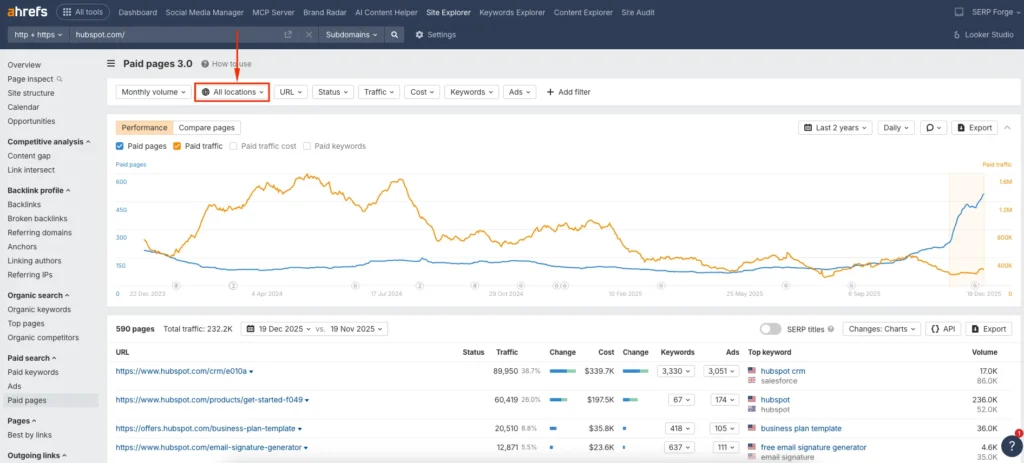
I use this feature to identify which regions a site prioritizes in its paid strategy.
Choose Your Target Country
Select the country you want to analyze from the dropdown list. Ahrefs will update the data based on the selected location.

This helps you understand which pages perform well in specific markets.
Click Show Results to Apply the Filter
Click Show results to apply the country filter. The report will now display paid pages receiving traffic from your selected country.
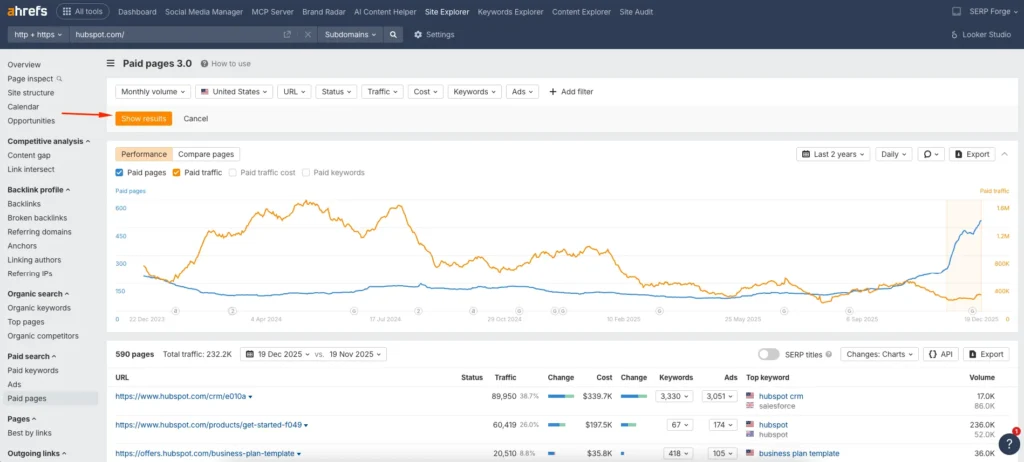
From here, you can evaluate page-level targeting and compare regional paid search strategies.
Conclusion
Checking paid pages by country in Ahrefs gives you a clear view of how websites approach regional paid search. It reveals where brands focus their ad spend and which pages they use to capture traffic in different markets.
I rely on this analysis when planning international SEO, validating PPC opportunities, or researching competitors before entering a new country.
When you understand paid page performance by location, you can align your content, ads, and landing pages with real market demand.
Frequently Asked Questions
What are paid pages in Ahrefs?
Paid pages are landing pages that receive traffic from paid search keywords, such as Google Ads campaigns.
Can I check paid pages for competitors in Ahrefs?
Yes, Ahrefs allows you to analyze paid search data for competitor domains, including their paid pages and keywords.
Does Ahrefs show exact ad spend by country?
No, Ahrefs provides estimated traffic and keyword data, not exact ad spend figures.
Can I analyze paid pages at the URL level?
Yes, you can enter a specific URL in Site Explorer to see paid traffic data for that page.
How often is paid search data updated in Ahrefs?
Paid search data in Ahrefs is updated regularly, but update frequency may vary by country and keyword volume.


